Home/Integrations/SoftAdvice apps
Our own applicationsSoftAdvice apps for M-Files
Over the years we built our own applications for the work M-Files does not do out of the box: reading mailboxes, recognising documents, exporting them to other systems and sending them on. We configure them per customer, as part of the process we design.
See the apps See them in practice
Illustrative example
In short
SoftAdvice builds its own applications for M-Files. Mail Importer reads shared mailboxes and turns each mail into a document. PowerPack sets titles automatically, splits PDFs, exports documents to folders that other systems read, imports files from network folders and mails documents on. The Incremental Exporter feeds an SQL data warehouse for reporting, the Document Generator creates documents from templates in a workflow and Pix Resizer keeps photo-heavy vaults fast. SoftAdvice configures the apps per customer as part of the process it designs and documents.
Mail Importer
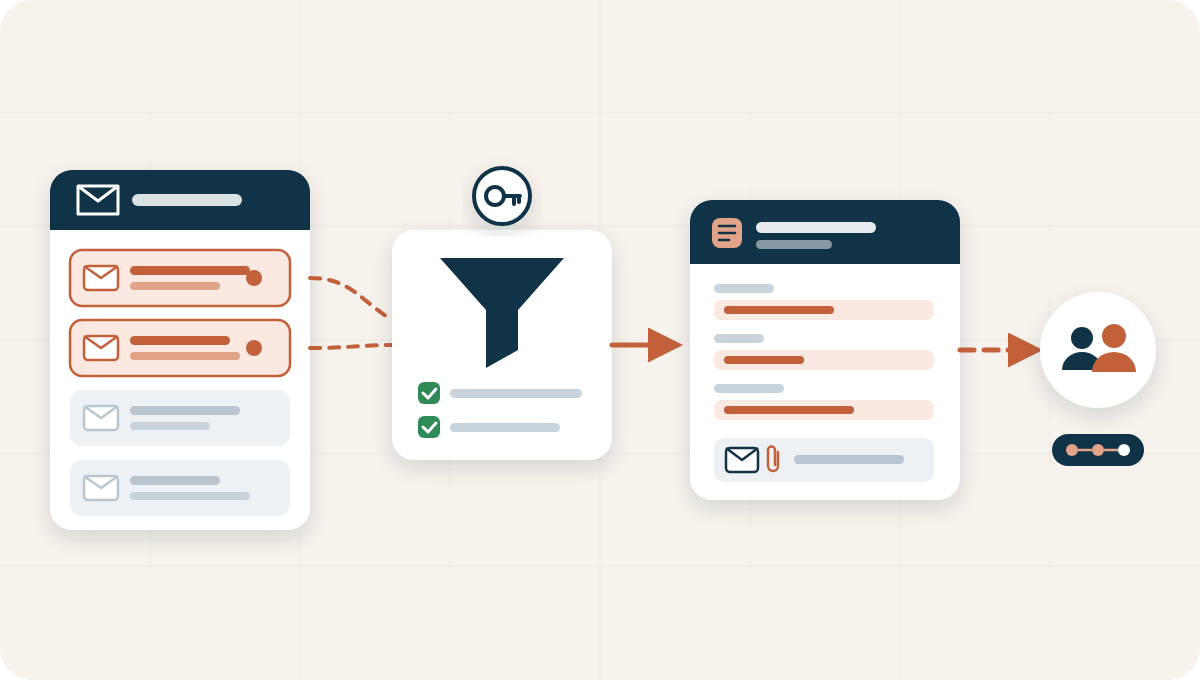
Mail Importer reads one or more shared mailboxes on a schedule and creates a document in M-Files for every mail, with subject, sender, recipients and date filled in.
Processed mail moves to a folder of its own. Mail it cannot handle goes to a separate folder, comes back as a follow-up item and triggers a notification, so nothing is lost.
- A document per mail, with mail data as metadata
- Processed and problem mail kept apart
- Notification when mail needs attention
- Mail linked to an existing or new object, with a follow-up workflow
At a glance
- Does
- Mail intake
- Source
- Shared mailboxes
- Runs
- On a schedule
- Used in
- Document intake
PowerPack
PowerPack bundles the processing steps that come after classification. It gives documents a title automatically, splits a PDF with several documents into separate ones, and exports copies to folders that other systems read, such as accounting software.
It can also import files from a network folder based on its structure, and mail documents to an address that is stored on the client record.
- Automatic titles
- Splitting of PDFs
- Export to folders for other systems
- Import from network folders
- Mailing documents on
At a glance
- Does
- Processing and export
- Triggered by
- Workflow states
- Settings from
- The client record
- Used in
- Document processing
Incremental Exporter
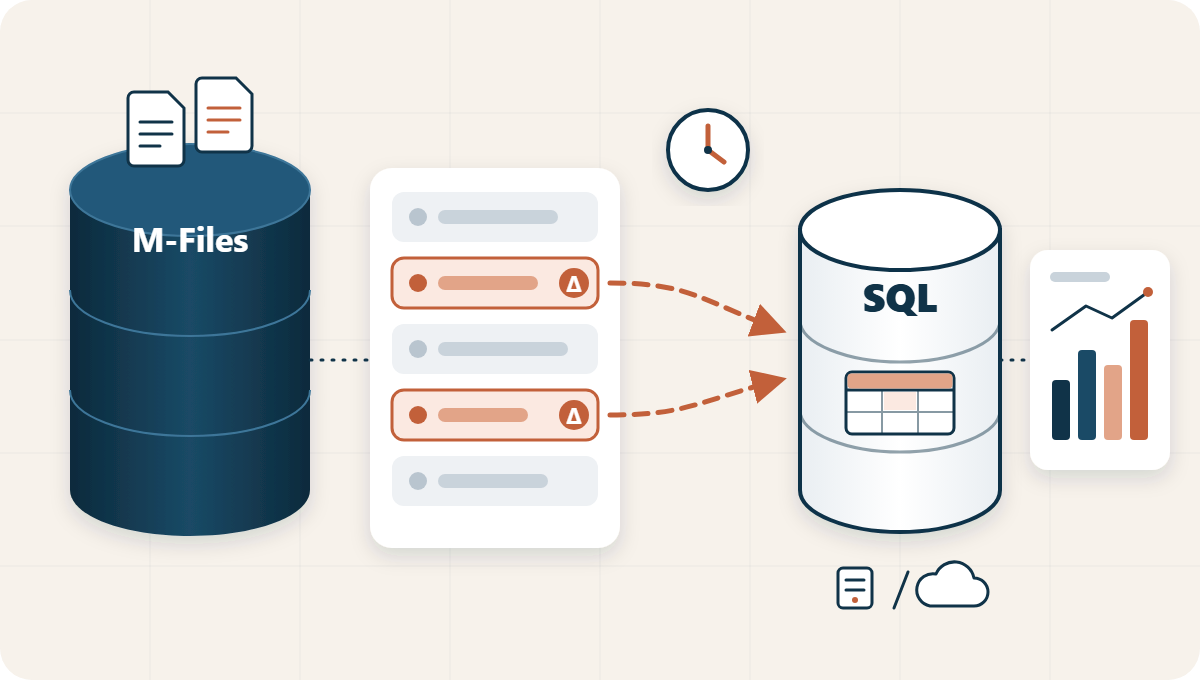
The Incremental Exporter exports predefined sets of M-Files metadata to an SQL database, on premises or in Azure, that serves as a data warehouse for BI reporting. It creates and maintains the tables itself.
Unlike M-Files Reporting, which empties and rebuilds the complete database at every scheduled refresh, it exports only the records that changed since the last run. That keeps daily reporting realistic on high-volume vaults.
- Only changed records, on a schedule
- Full or incremental export
- Tables created and maintained automatically
- For BI tools that read SQL
At a glance
- Does
- Export to SQL for reporting
- Exports
- Changed records only
- Target
- SQL, on premises or Azure
- Used for
- BI reporting
Document Generator
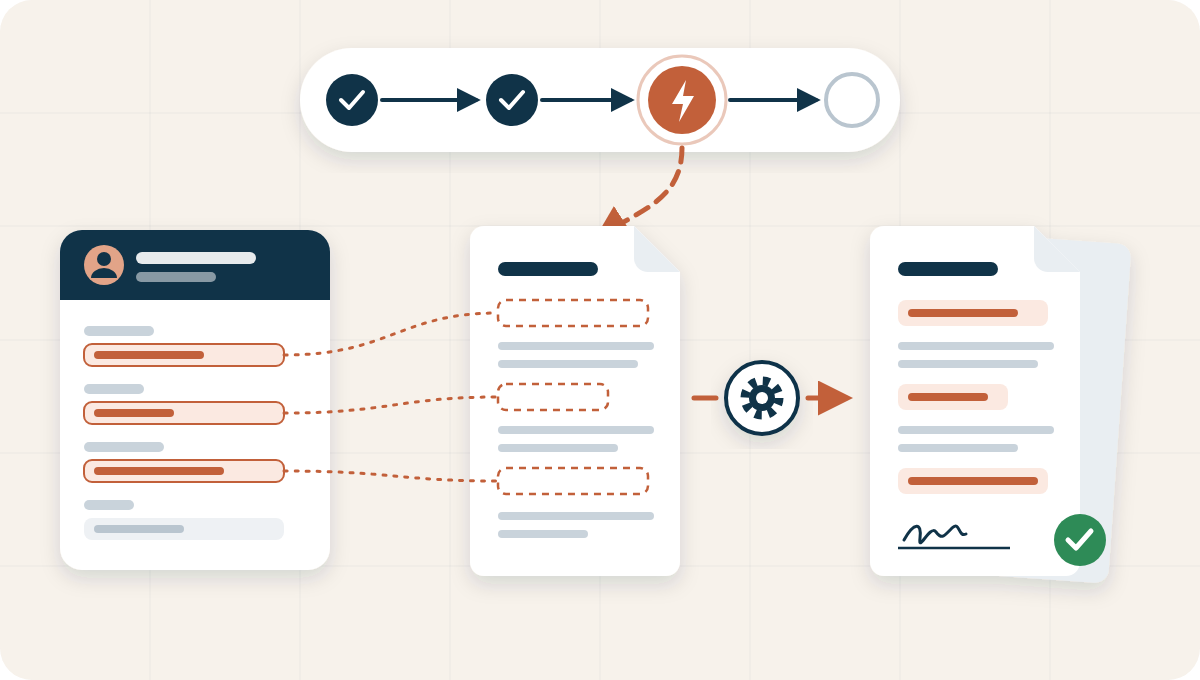
The Document Generator creates documents automatically from Word templates when an object reaches a defined workflow state, with the metadata of the object and its related objects filled in.
The document is saved in M-Files, linked to the object, and the workflow can continue: convert it to PDF and send it for signature. Onboarding a new employee, for example, produces the signature-ready employment contract without manual work.
- Started by a workflow state
- Word templates, PDF through the workflow
- Metadata of related objects merged too
- Contracts, letters, offers and forms
At a glance
- Does
- Documents from templates
- Triggered by
- A workflow state
- Templates
- Word, output to PDF
- Used in
- Any department
Pix Resizer
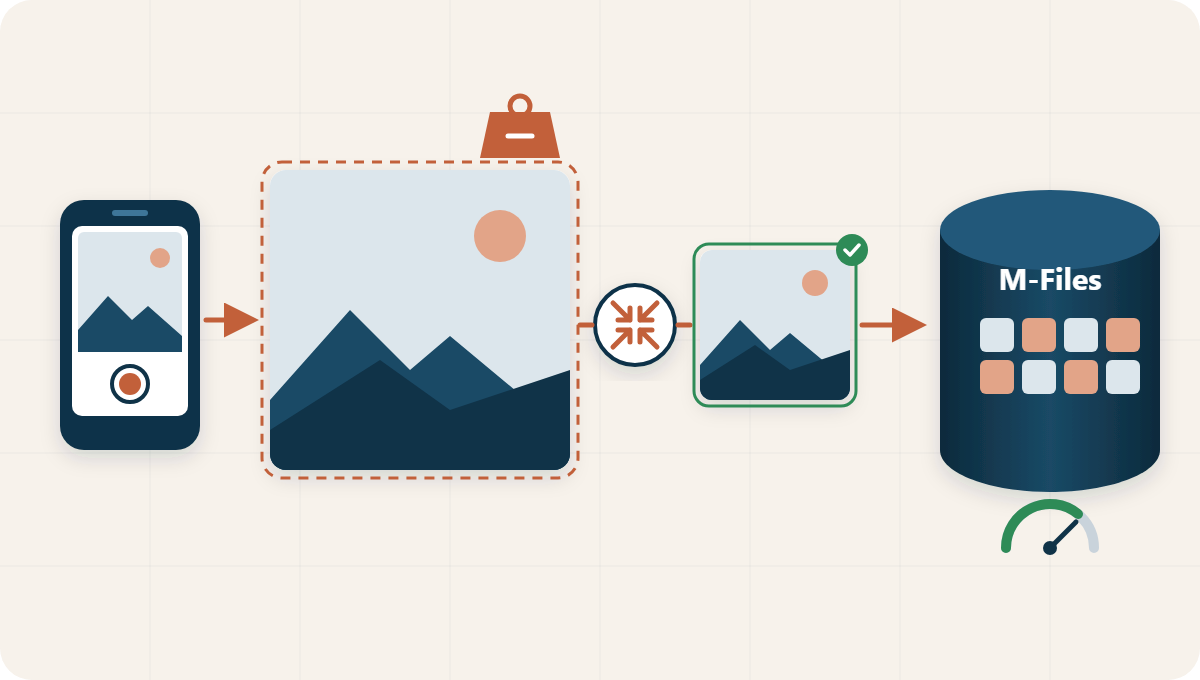
Pix Resizer automatically resizes large images to a predefined width and height the moment they are uploaded to M-Files. Users add photos as they always do; the resizing happens in the background.
It keeps vaults performant where teams store many photos: field service, real estate, engineering and construction, and production.
- Resized automatically on upload
- Predefined width and height
- No extra step for users
- A fast vault, also with thousands of photos
At a glance
- Does
- Resizes photos on upload
- Type
- Internal utility
- Result
- A performant vault
- Used in
- Photo documentation
See the apps at work
Our apps are always part of a process we design with you.
From client mailbox to bookkeeping
How an accounting office lets client documents reach the right client, folder and accounting software by themselves.
Read moreLeexi and M-Files
Our connector brings AI meeting reports from Leexi into M-Files, with review and approval.
Read moreQuestions about the SoftAdvice apps
Who builds and supports the apps?
SoftAdvice builds, maintains and supports them. They run alongside the standard M-Files applications.
Can we buy an app on its own?
We always configure the apps as part of a process, because the rules and settings depend on how you work. Prices are on request.
Are the apps only for accounting offices?
No. Every organisation that receives documents by mail, needs to classify them or send them to other systems can use them.
Which routine work can run by itself?
In Discovery we map your document flow and show where our apps take over the routine.